

School Timetable (Secondary)
| Registration | Period 1 |
Period 2 |
Period 3 |
Period 4 |
Tutor Time |
Period 5 |
Registration and Tutor Time |
|---|---|---|---|---|---|---|---|
| 8.40–8.45 | 8.45–9.45 | 9.45–10.45 | 11.00–12.00 | 12.00–1.00 | 1.25–1.30 | 1.30–2.30 | 2.30–2.45 |
Secondary pupils can attend the breakfast club from 8:00am, with the compulsory school day beginning at 8:40am and finishing at 2:45pm.
Primary pupils can attend the breakfast club from 8:30am, with the compulsory school day beginning at 9:00 and finishing at 2:45pm.
The total number of compulsory school hours each week is 25 hours.
School Meals at The Rowans
At The Rowans, we believe that good food plays an important part in supporting pupils’ wellbeing, concentration, and readiness to learn. We are therefore delighted to provide free school meals for all pupils, ensuring that everyone can enjoy a healthy, nutritious, and satisfying lunch each day.
Our freshly prepared menus offer a varied selection of familiar favourites alongside opportunities for pupils to try something new. Daily choices include:
- A nutritious hot meal
- Jacket potatoes with a choice of fillings
- Wraps and fresh salads
- Fresh fruit
- A selection of desserts
We encourage pupils to explore different foods, make positive choices, and develop healthy eating habits that can support their wellbeing both in and beyond school.
More Than Just Lunchtime
At The Rowans, mealtimes are about more than food. They are an important part of our school day and provide a relaxed opportunity for pupils and staff to spend time together.
Staff are encouraged to eat alongside pupils in the dining hall, creating opportunities for conversation, connection, and positive relationships. Sharing meals together helps to strengthen our sense of community and provides another way for pupils to feel safe, included, and valued.
We also recognise and celebrate the different backgrounds and cultures within our school community and aim to ensure that our food provision is welcoming and inclusive.
Our aim is simple: to provide every pupil with a healthy, balanced and enjoyable lunch in a positive environment, helping them return to their afternoon learning feeling refreshed, settled and ready to engage.
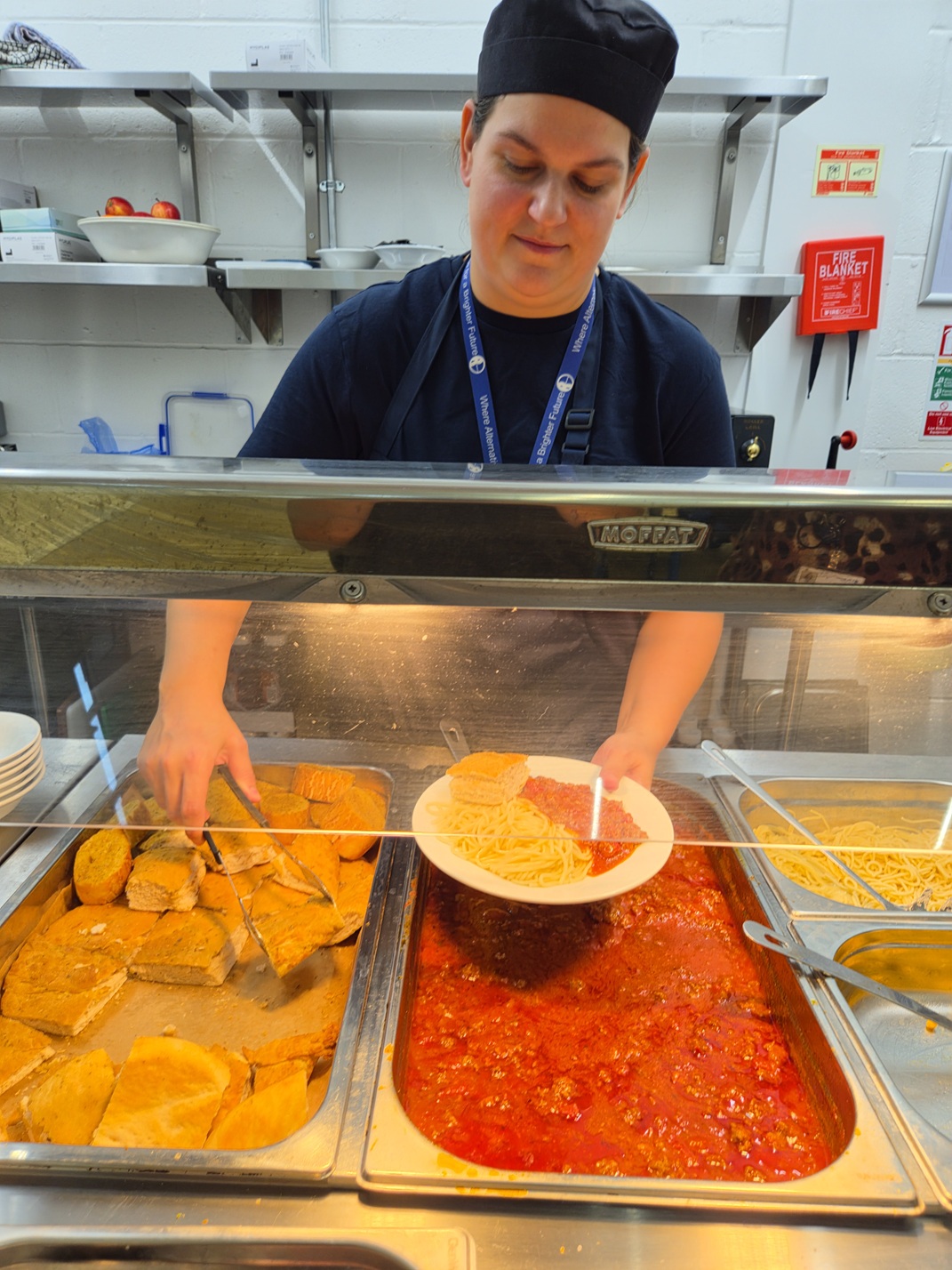
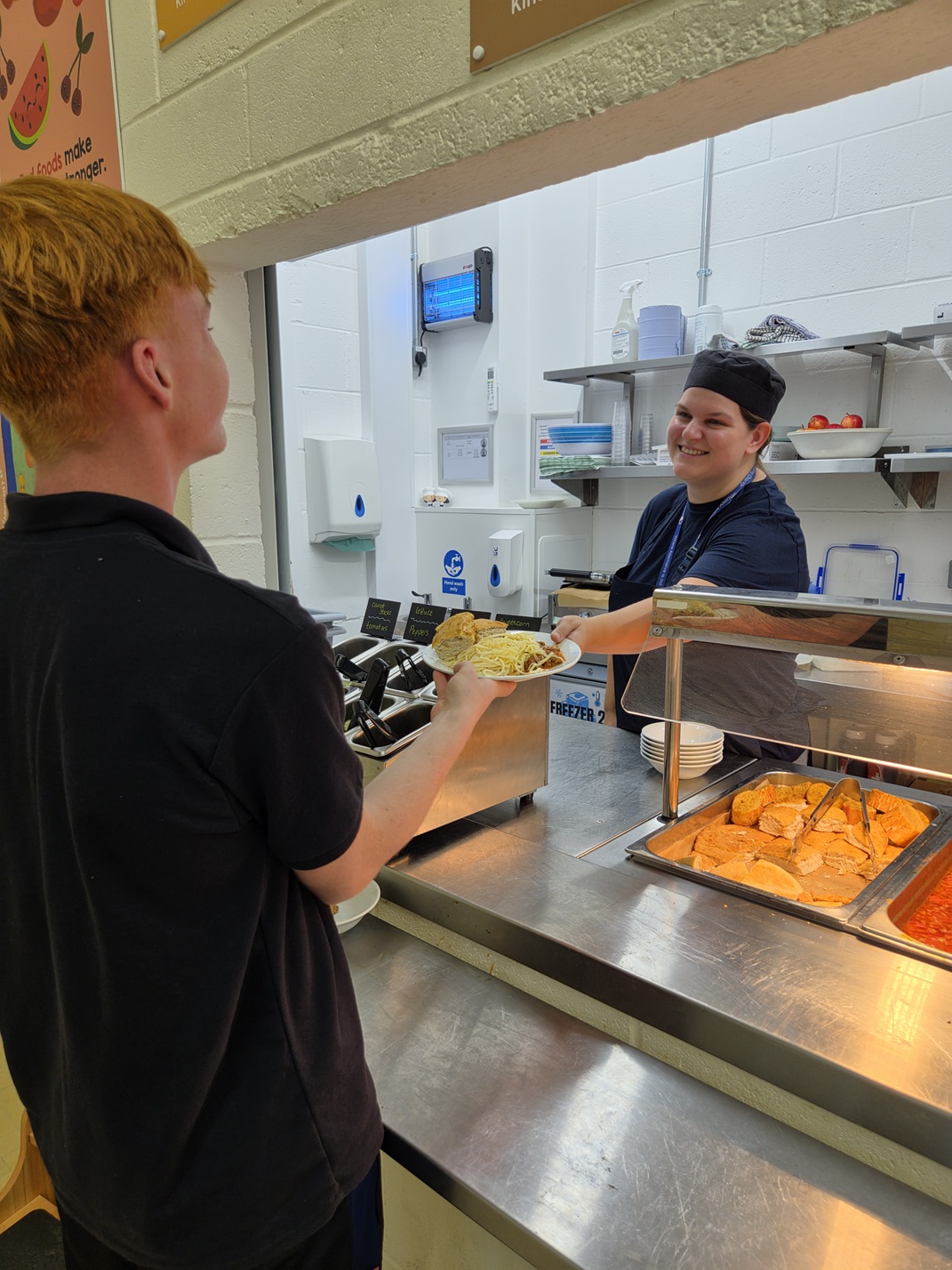
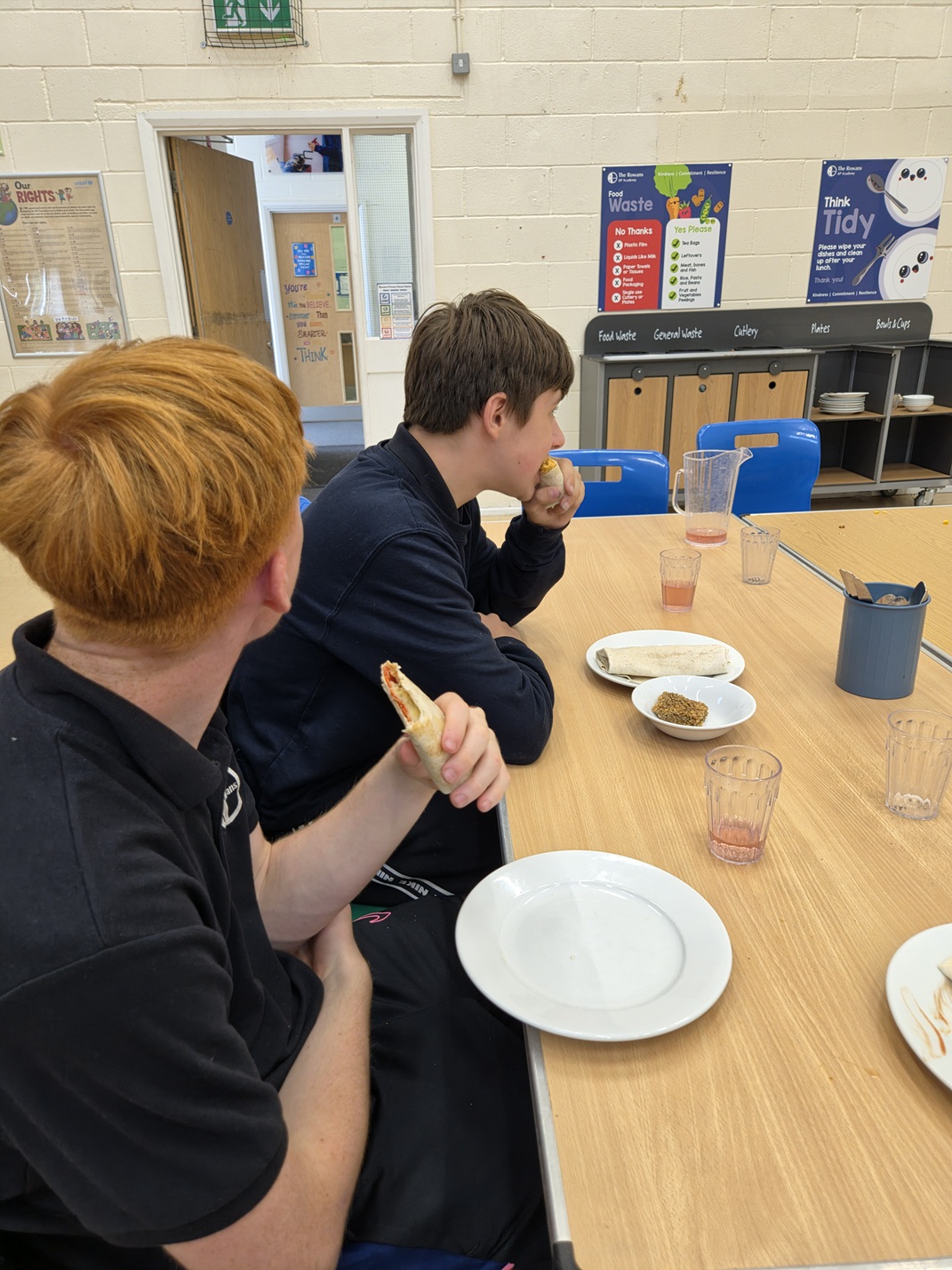
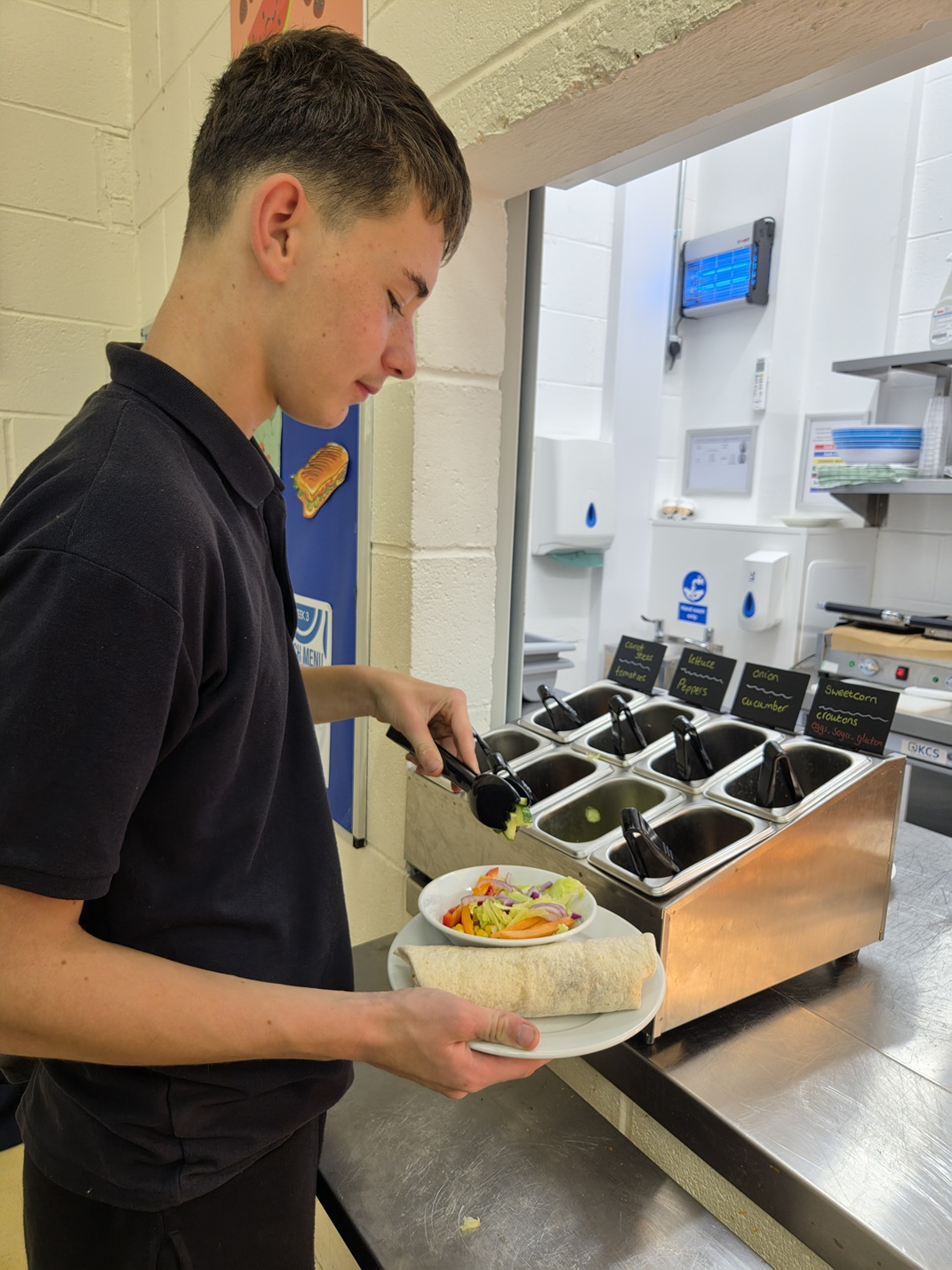
We were again awarded a Level 5 Food Hygiene rating (the highest possible) from Environmental Health on 14th June 2024 for our standards and are committed to promoting healthy eating for all pupils.
Uniform
It is compulsory for all pupils to wear The Rowans’ uniform to school each day.
Our uniform is comfortable, practical and affordable. It does not require pupils to wear formal shoes or a blazer. However, it is important that pupils come to school in uniform.
Pupils should wear black below the waist and black trainers. Pupils must also wear a polo shirt and a sweatshirt. Both have the Rowans’ logo, which must be seen. It is not possible for pupils to wear their own jumper over a Rowans’ polo shirt. It is also compulsory to wear a Rowans’ sport t-shirt for sport lessons, plain black shorts or jogging bottoms can be their own choice. No hats or caps are permitted in school and pupils should not wear sliders or flip flops.
Uniform can be bought directly from school, with payment to be made using the School Gateway. The cost of uniform is heavily subsidised by the school to make it affordable. The cost has risen significantly for the school and for the supplier. Therefore, we have had to reluctantly increase the cost slightly from July 2024. The new costs are below:
|
Item |
Cost to parents/carers |
|---|---|
|
Starter Pack |
£45.00 |
|
Any items purchased after this will be charged as follows: |
|
|
PE Top |
£10.00 |
|
PE Shorts |
£10.00 |
|
PE Bag |
£10.00 |
|
Rowans Polo Shirt |
£10.00 |
|
Rowans Sweatshirt |
£12.00 |
All payments for school uniform, activities etc. can be made online through the Arbor Parent Portal as we no longer accept cash payments in school.
How to get started
- Wait for your welcome email from us telling you Arbor is ready - you won’t be able to log in before
- Click the link in your welcome email to set up your password
- Go to the Apple App Store (iOS) or Google Play Store (Android) on your phone and search ‘Arbor’
- Click ‘Install’ on Android or ‘Get’ on iPhone then open the App
- Enter your email address, select our school, then enter your password
- Accept the Terms & Conditions and enter your child’s birthday
- Once logged in you will be able to acces the payments section to make payments.
If you have trouble setting up your password or have general questions about the Parent Portal, please visit the following guides:
- Getting started - Log into Parent Portal and the Parent App
- A quick introduction to Arbor for guardians and parents
If you have any problems paying online, please contact the school office and we will be happy to assist.